Flux Hardware
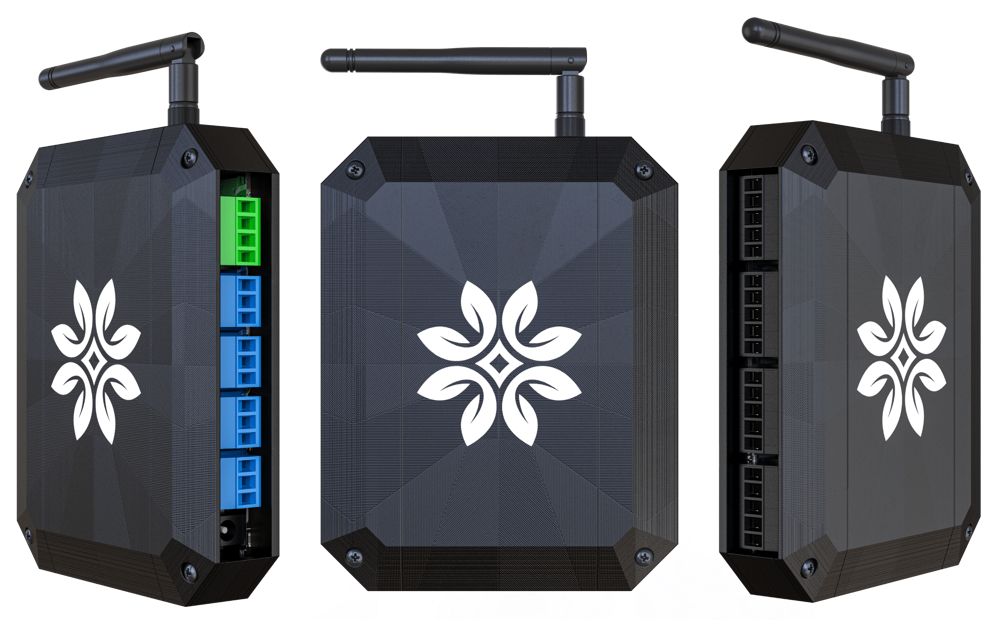
With 16 24-volt outputs compatible with both AC and DC, you can control any arrangement of solenoid valves, ball valves, pump start relays, and more!

Four 4-20ma sensor inputs allow for accurate reading from level sensors, pressure sensors, depth sensors, flow meters, and more options to come.

Modbus functionality adds another 32 devices that you can chain together for increased automation. Consider advanced dissolved oxygen sensors, weight scales, power meters, and more!
Flux Software
Flux's true power comes from its advanced rules engine. Whatever unique process you want to automate, you can make it happen with Flux.
Triggers
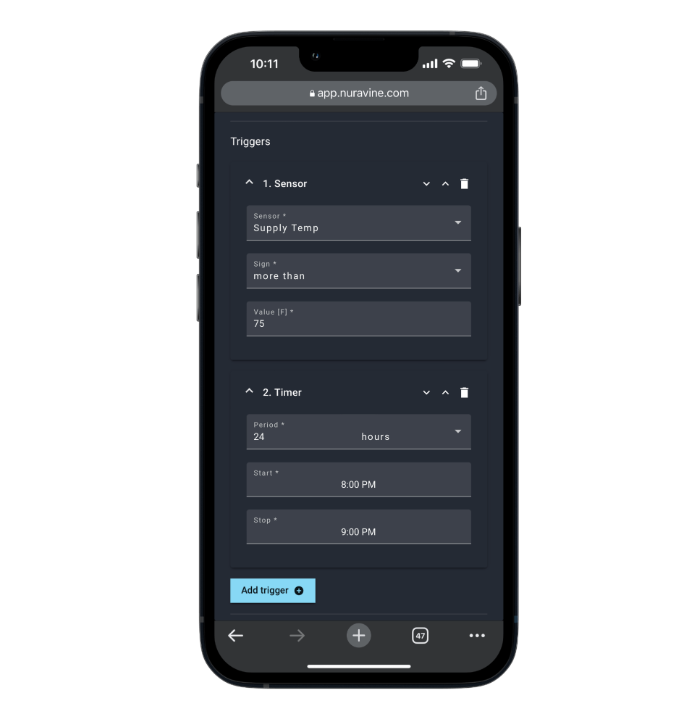
Triggers can be sensor readings or timed events that activate automations, you can even have multiple triggers at the same time like if it's 8pm and the temperature is above 75 turn on your chiller.
Actions
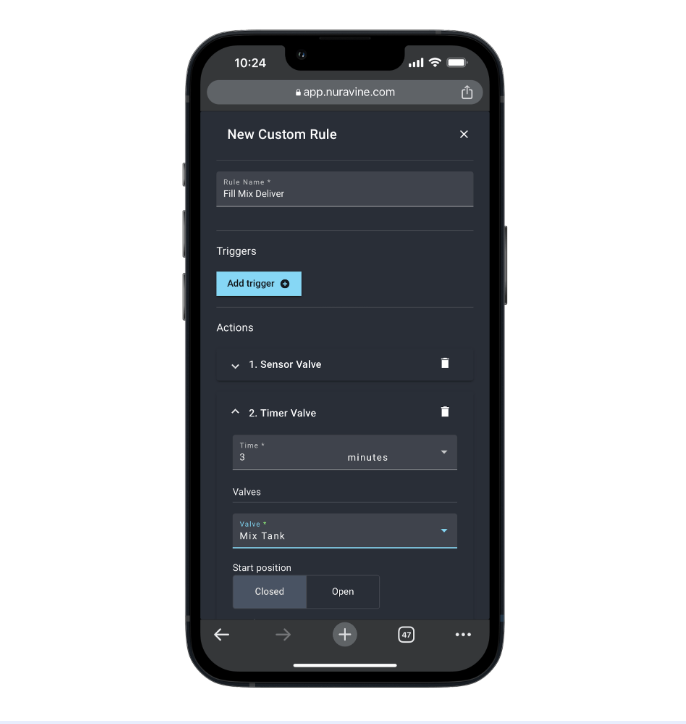
Actions are tasks like opening valves, turning on pumps or activating doses. You can have as many actions as you want for each rule and they are performed in sequence allowing you to create almost any automation process you can think of.
Linked Devices
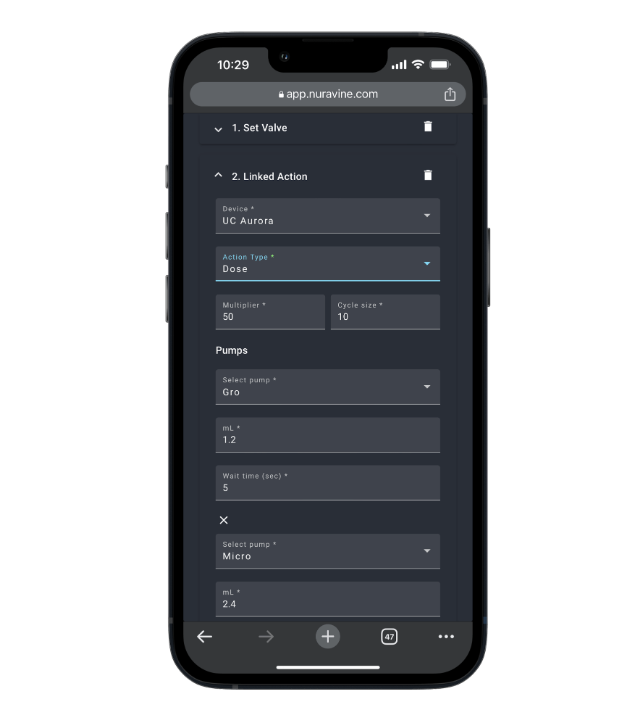
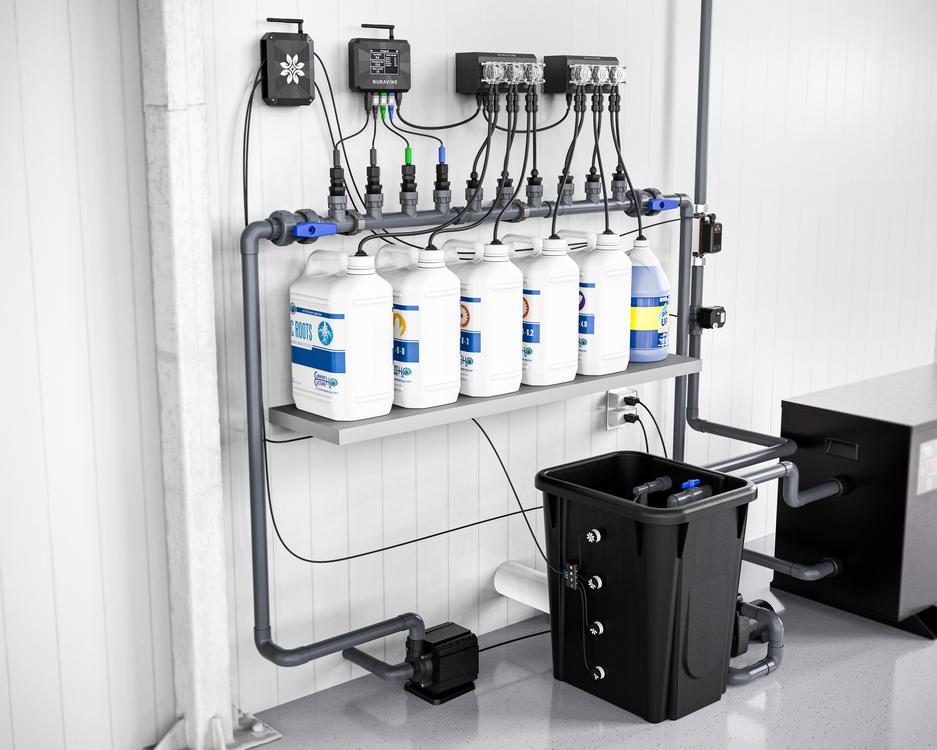
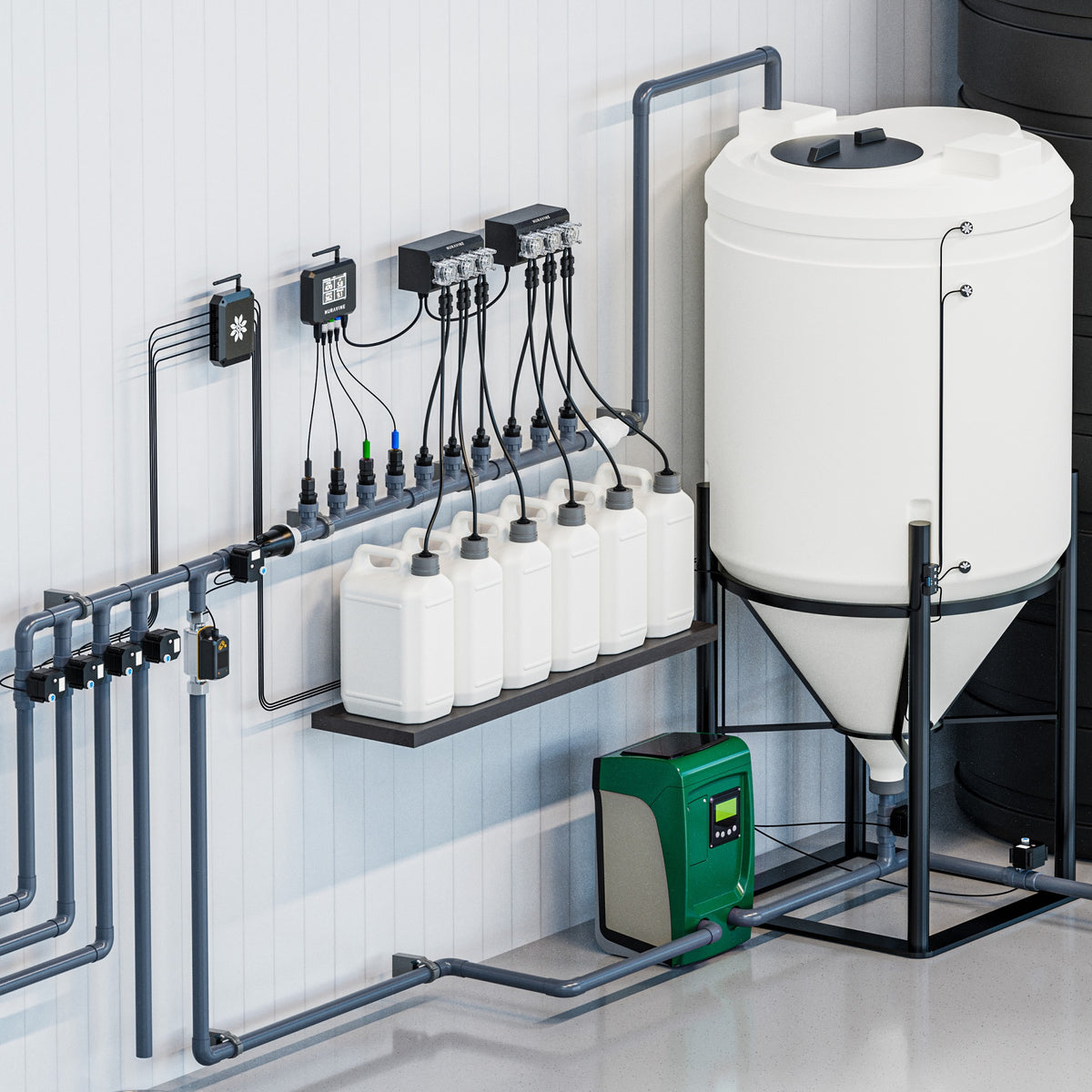
The Flux enables sharing resources with other Flux and Aurora devices. For example, you can open a valve on one Flux, use the Aurora to dose nutrients, then deliver through a valve on a different Flux.
Push-Button Control
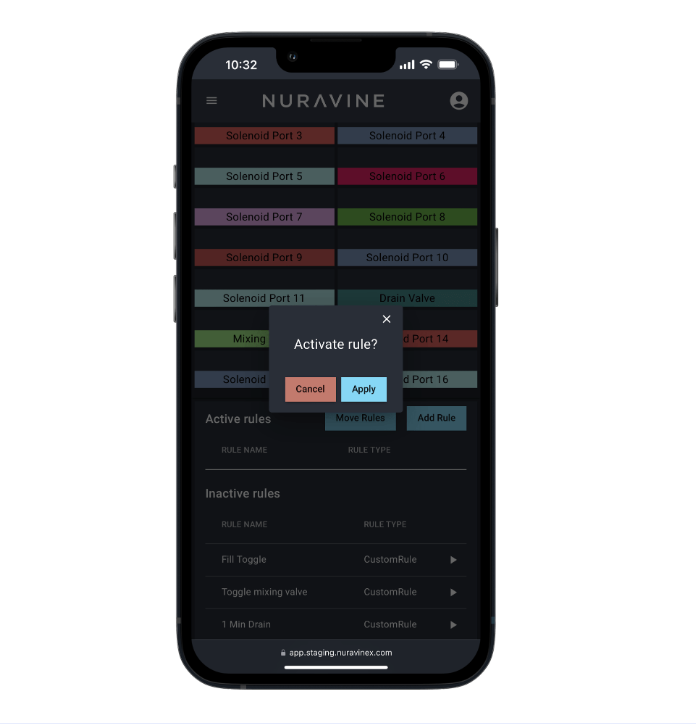
Sometimes you just need to fill, drain or clean a tank on command. With Flux it's as simple as creating the rule and then pressing “play” on your phone or computer.
Run Multiple Rules
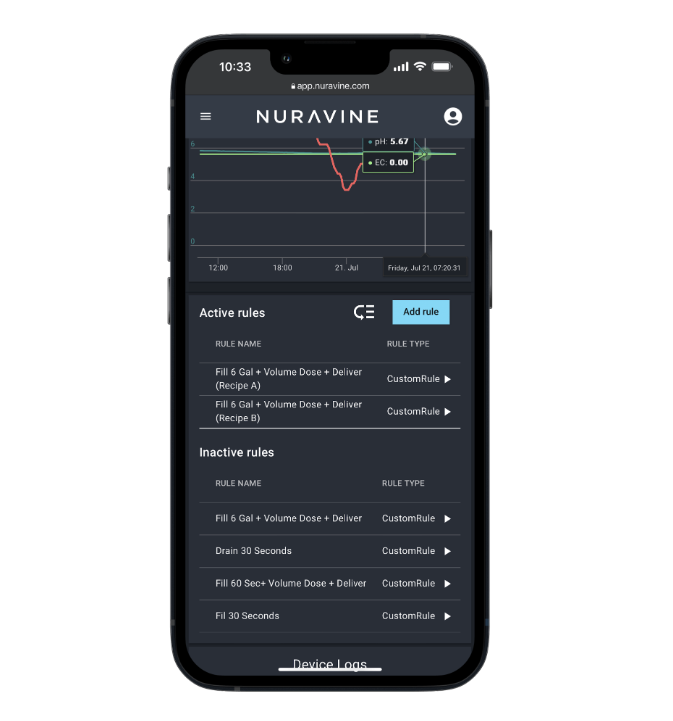
The Flux lets you trigger rules based on time, sensor readings, or both. Set as many as you want. Smart software ensures if two activate simultaneously, one happens right after the other.
Schedule Weeks Out
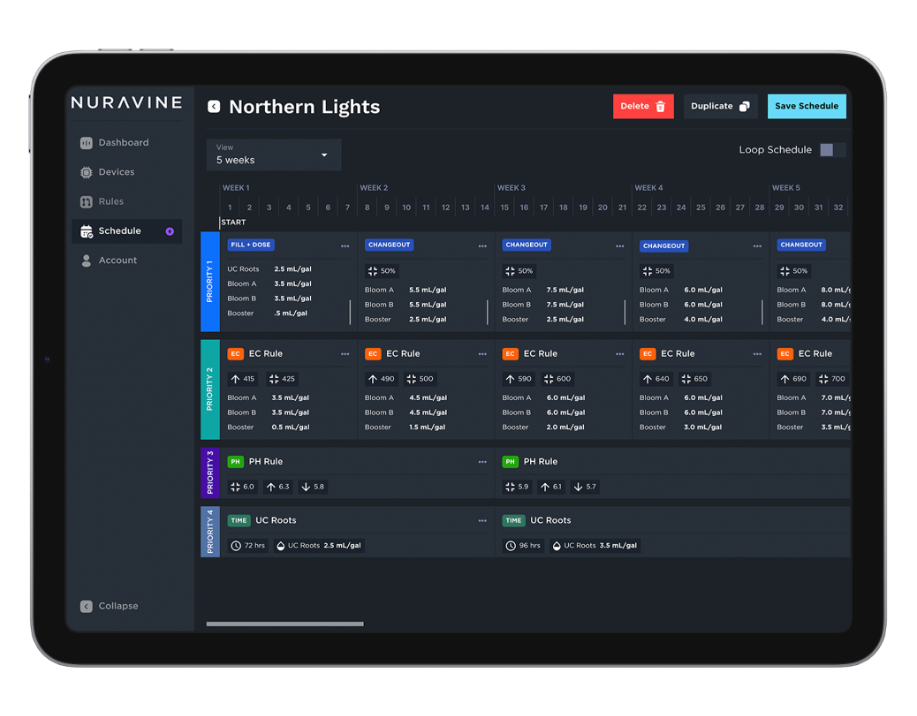
The Flux schedule lets you automate rule changes weekly or even daily. The schedule switches rules automatically, so operating becomes effortless once configured.